Skip to content
Hero Background Light

Notyra Logo
Notyra

A lightweight Markdown note editor for your desktop. Keep your notes local, private, and under your control.

Notyra features

Everything you need to organize and edit your Markdown notes efficiently.

Markdown Editor

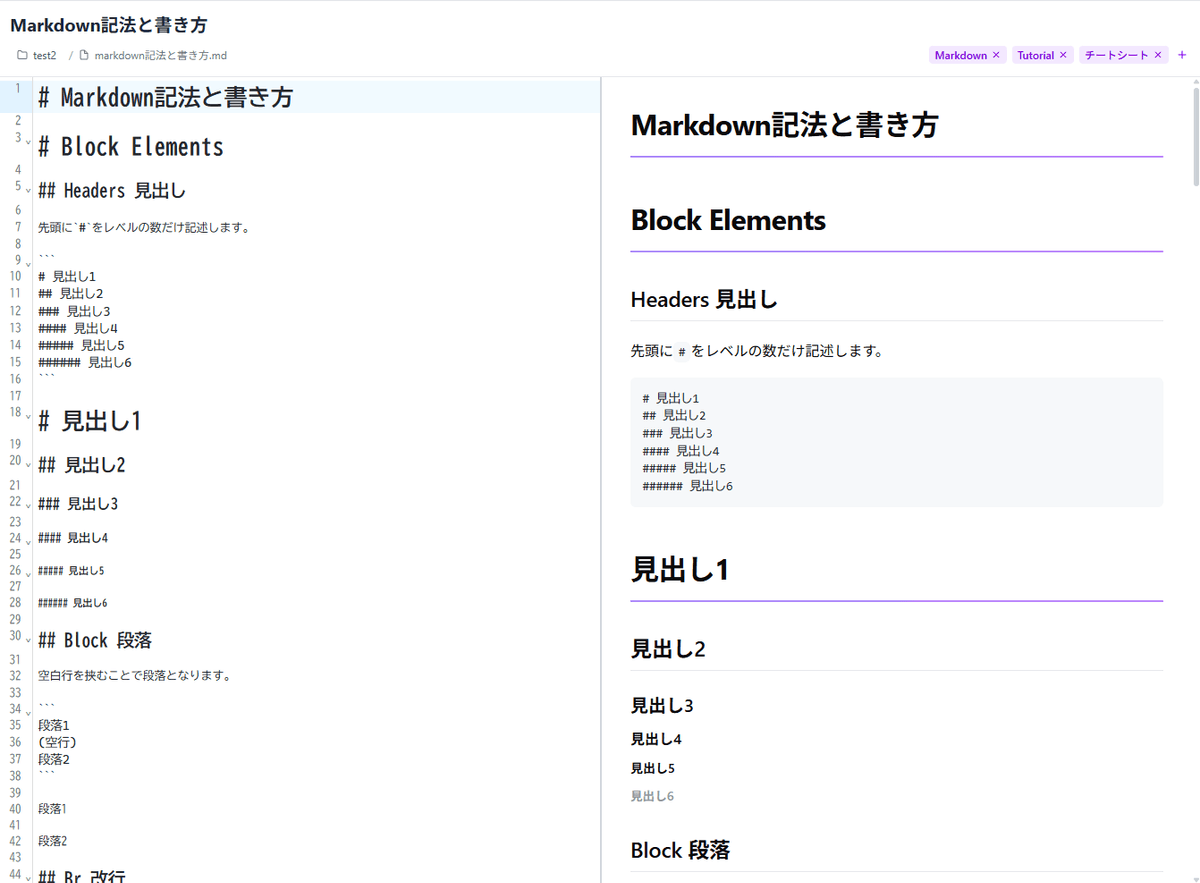
Real-time editing powered by CodeMirror. Choose from split view, preview, or editor-only mode for an efficient workflow.

Folder-Based Management

Manage notes intuitively. Select a root folder, then organize Markdown files through a folder tree and note list.

Front Matter Support

Manage titles, tags, and timestamps with YAML metadata. Quickly find notes using tag-based filtering.

Auto Save and File Watching

Detect file changes in real time with debounced auto-save. Works smoothly alongside external editors.

Get started

Simple setup to start managing your notes right away.

Beautiful theme switching

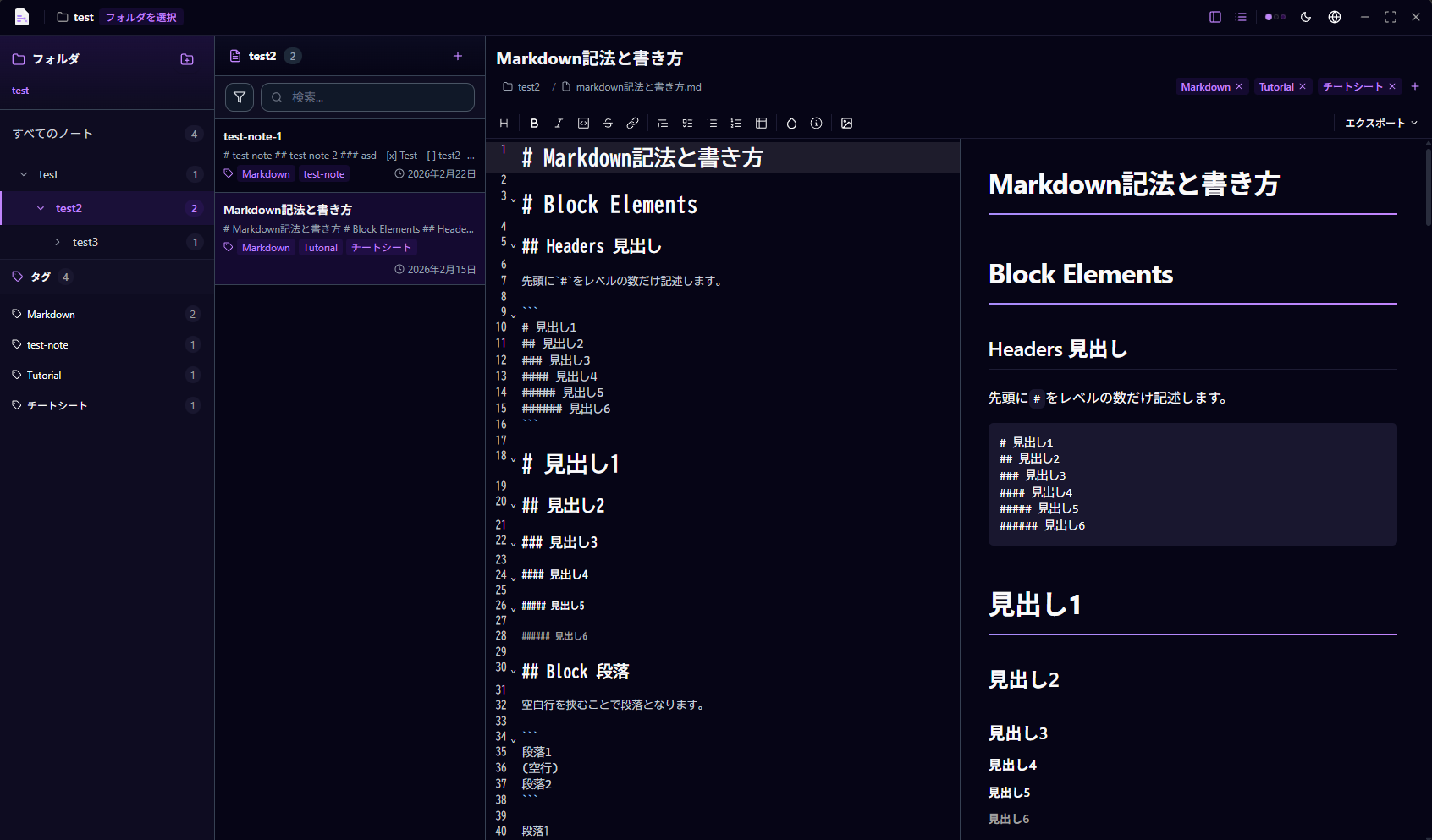
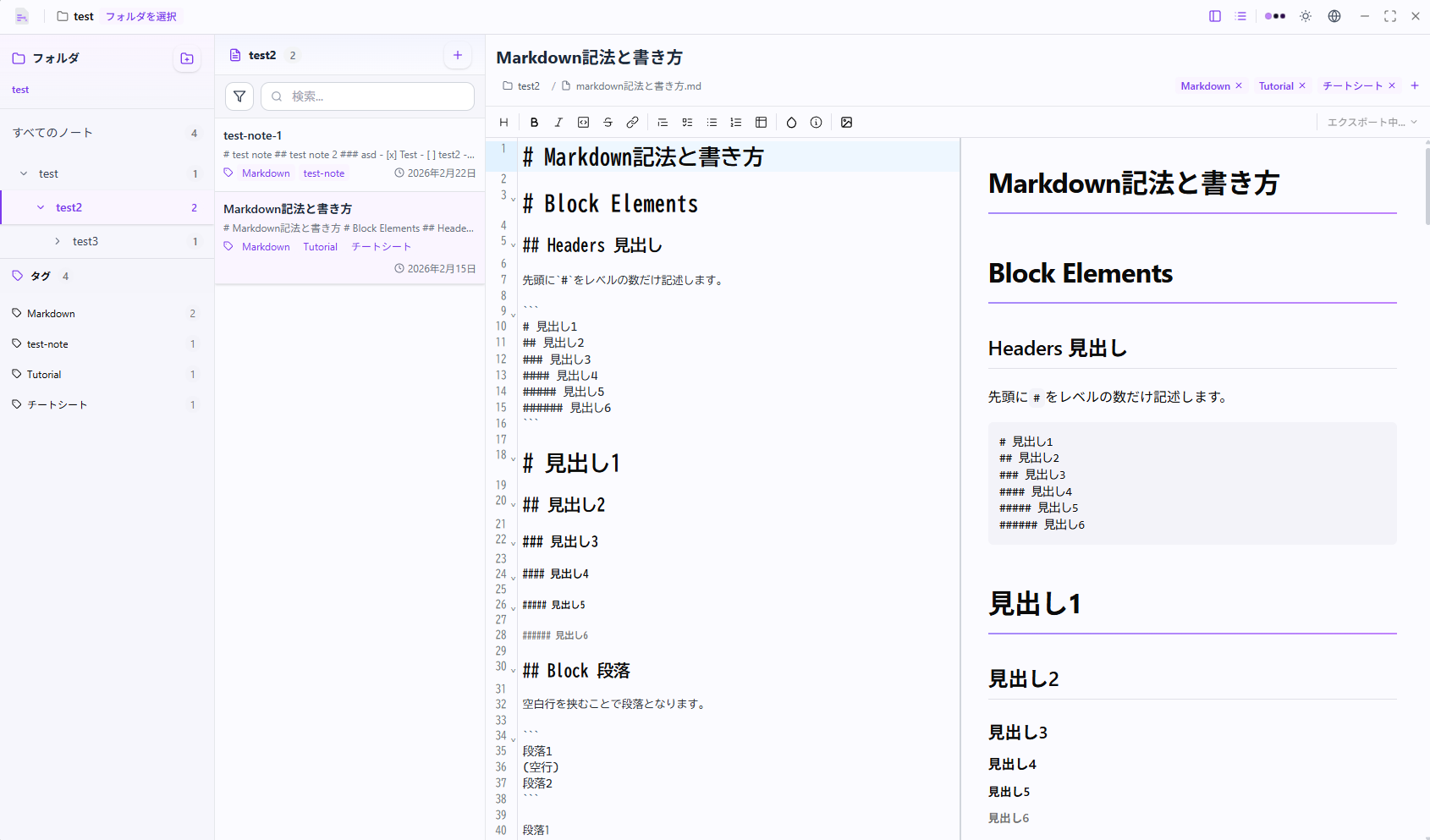
Seamlessly switch between dark and light mode to match your preference.

Dark Mode Demo Light Mode Demo

Got questions? We have answers

Find answers to common questions about Notyra.

Getting Started

How to download and use Notyra.

Features & Usage

Understanding Notyras capabilities.

Privacy & Support

Security and support information.

What is Notyra?

Notyra is a lightweight desktop note editor that lets you manage Markdown files stored locally on your computer. No cloud, no subscriptions—just your notes under your control.

How do I get started?

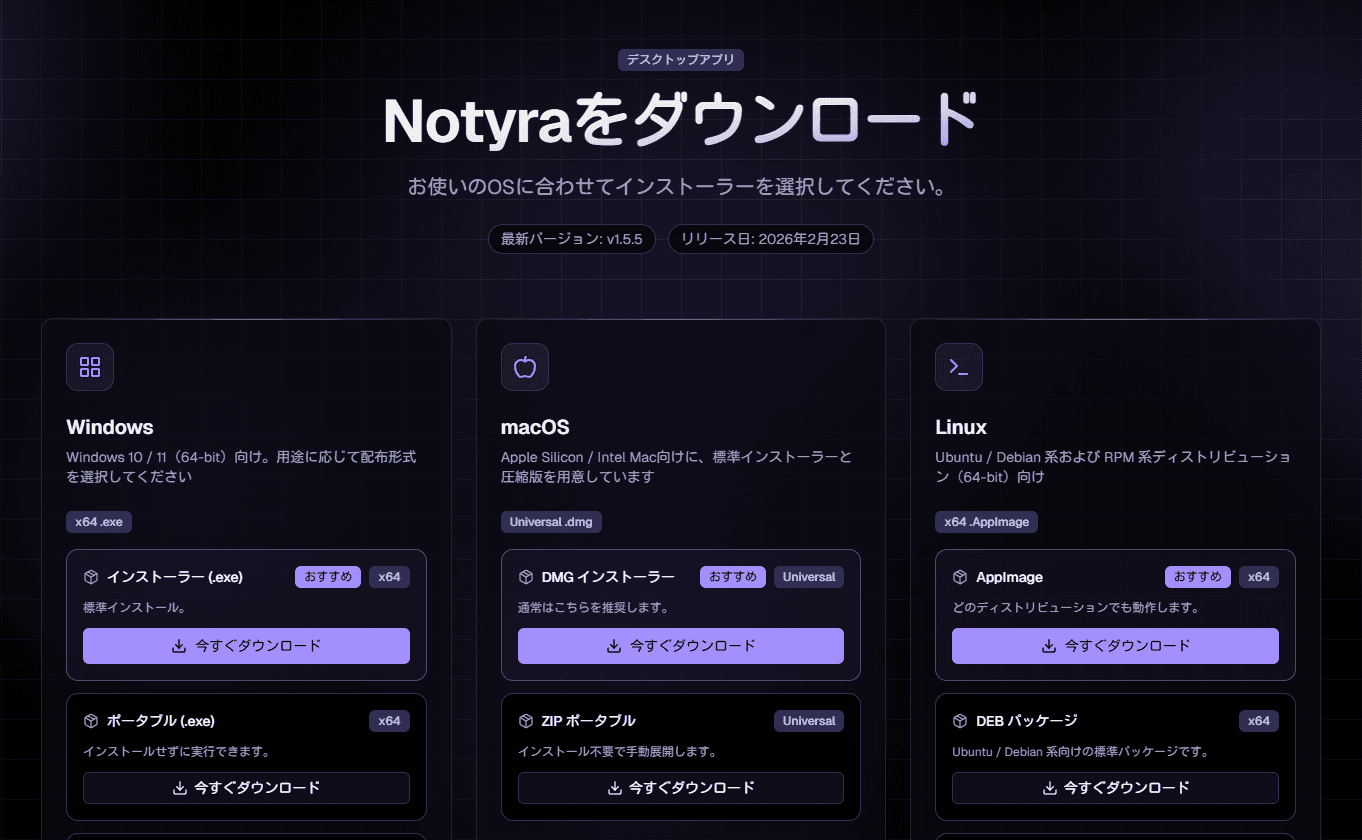
Download Notyra for your platform, select your note folder, and start editing. It's that simple. Your notes can be in any folder on your computer.

What file formats does Notyra support?

Notyra primarily works with Markdown (.md) files. It respects your local file system, so all your notes are plain text files that you can edit with any editor.

Do I need an account?

No. Notyra works completely offline without requiring any account creation or sign-in.

What is Front Matter?

Front Matter is YAML metadata at the top of your Markdown files. Notyra uses it to store titles, tags, dates, and other metadata for better organization and searching.

Can I use tags to organize my notes?

Yes! By adding tags to your Front Matter, you can quickly filter and organize your notes by category or topic. Notyra provides tag-based filtering for easy discovery.

Does Notyra support real-time preview?

Yes. Notyra offers split view (editor and preview side-by-side), full preview mode, and editor-only mode. Choose the view that works best for you.

Can I edit the same file with other editors?

Absolutely! Notyra watches for changes and automatically syncs external edits. Work with Notyra and other editors simultaneously without conflicts.

Is Notyra free?

Yes, Notyra is completely free and open source. Use it for personal or commercial projects without any limitations.

Where is my data stored?

All your notes are stored locally on your computer in your Markdown files. Notyra doesn't upload, cloud-sync, or transmit your data anywhere.

Does Notyra have a mobile app?

Currently, Notyra is a desktop application. Since your notes are plain Markdown files, you can edit them on mobile with any Markdown editor.

Contact

If you encounter bugs, have feature requests, or have questions, we would appreciate it if you could contact us by opening an issue in the GitHub repository.