Get Started
1. Install Notyra
Section titled “1. Install Notyra”- Click the “Download” button in the top-right corner.
- Select the latest build for your platform and download the app.
- Open the downloaded file and follow the installation steps.
Warning
If a security software warning appears, make sure the publisher is Notyra before running it.
Also, when installing the Mac version, you may need to change your security settings to “Allow applications from the App Store and identified developers.”
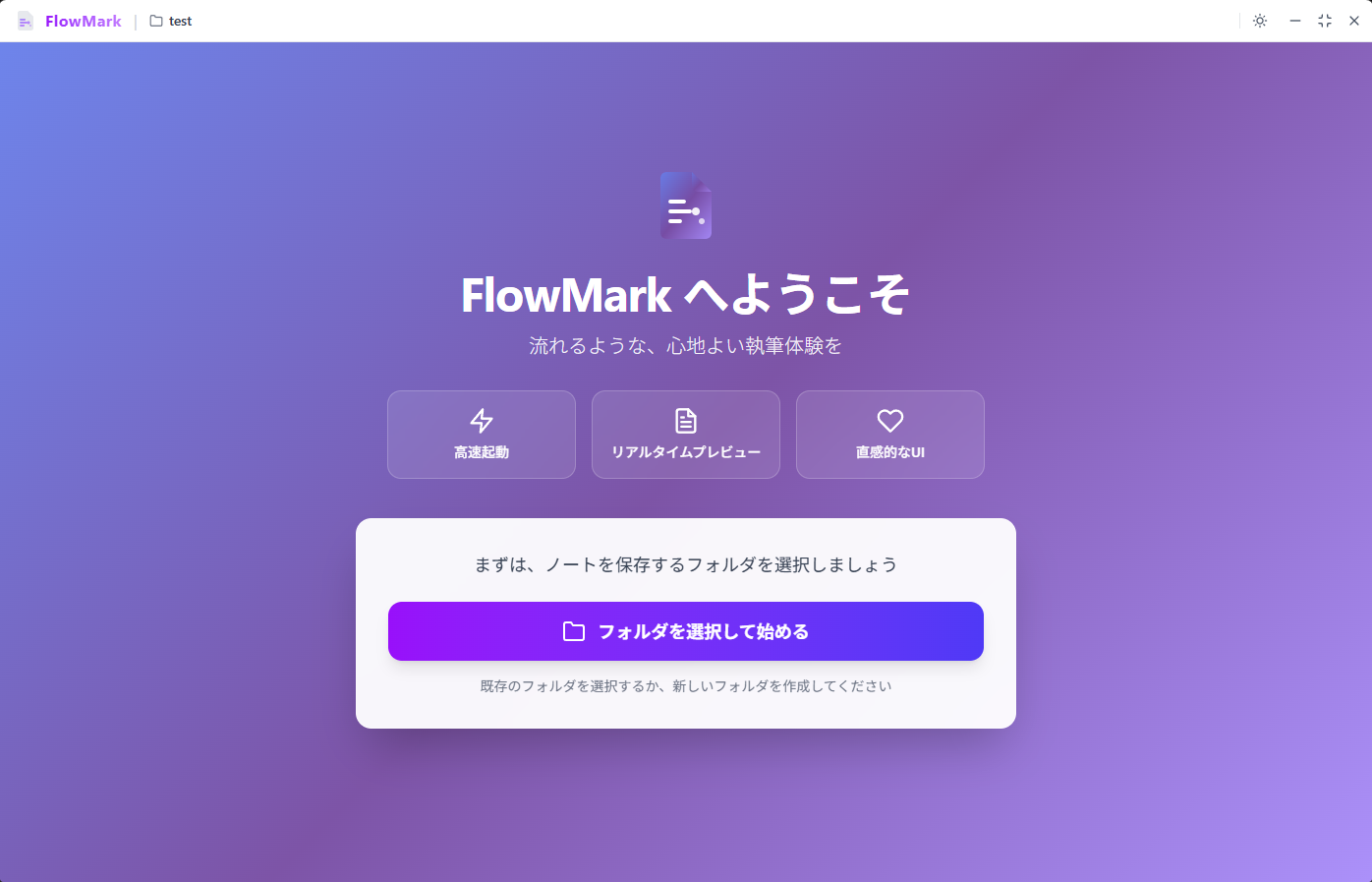
2. Select Your Notes Folder
Section titled “2. Select Your Notes Folder”- Launch Notyra.
- Choose the root folder where your Markdown files are stored.
- Notyra will load files from the folder and start managing your notes.
3. Start Editing
Section titled “3. Start Editing”You can immediately start organizing and editing your notes. Notyra provides a Markdown editor, folder-based management, Front Matter support, auto-save, and file watching to support your workflow.