Option Settings
In Notyra, you can change the language and theme.
Change the Language
Section titled “Change the Language”Notyra detects your system language and automatically sets the default language.
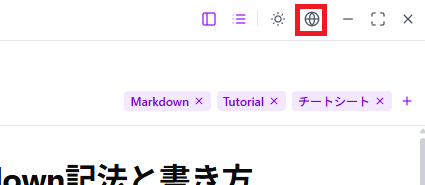
You can change the language setting from the globe icon in the top-right corner.
Change the Theme
Section titled “Change the Theme”Notyra provides separate themes for light and dark modes.
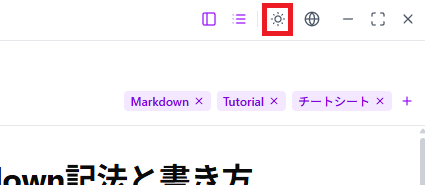
You can switch them from the sun (light), moon (dark), and monitor (system) icons in the top-right corner, based on your preference.
By default, it is automatically set to the system theme.