Notyra
A lightweight Markdown note editor for your desktop. Keep your notes local, private, and under your control.
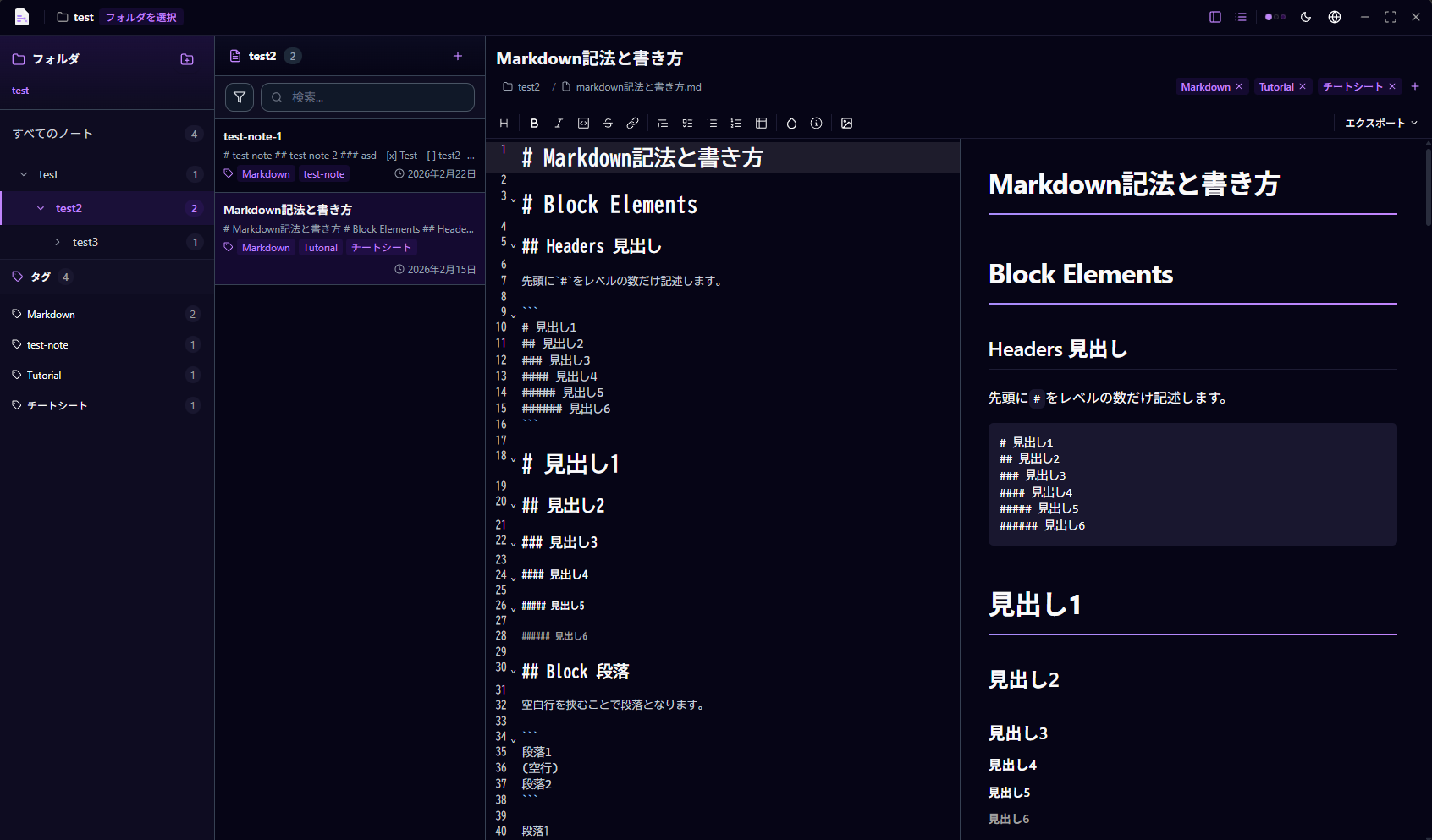
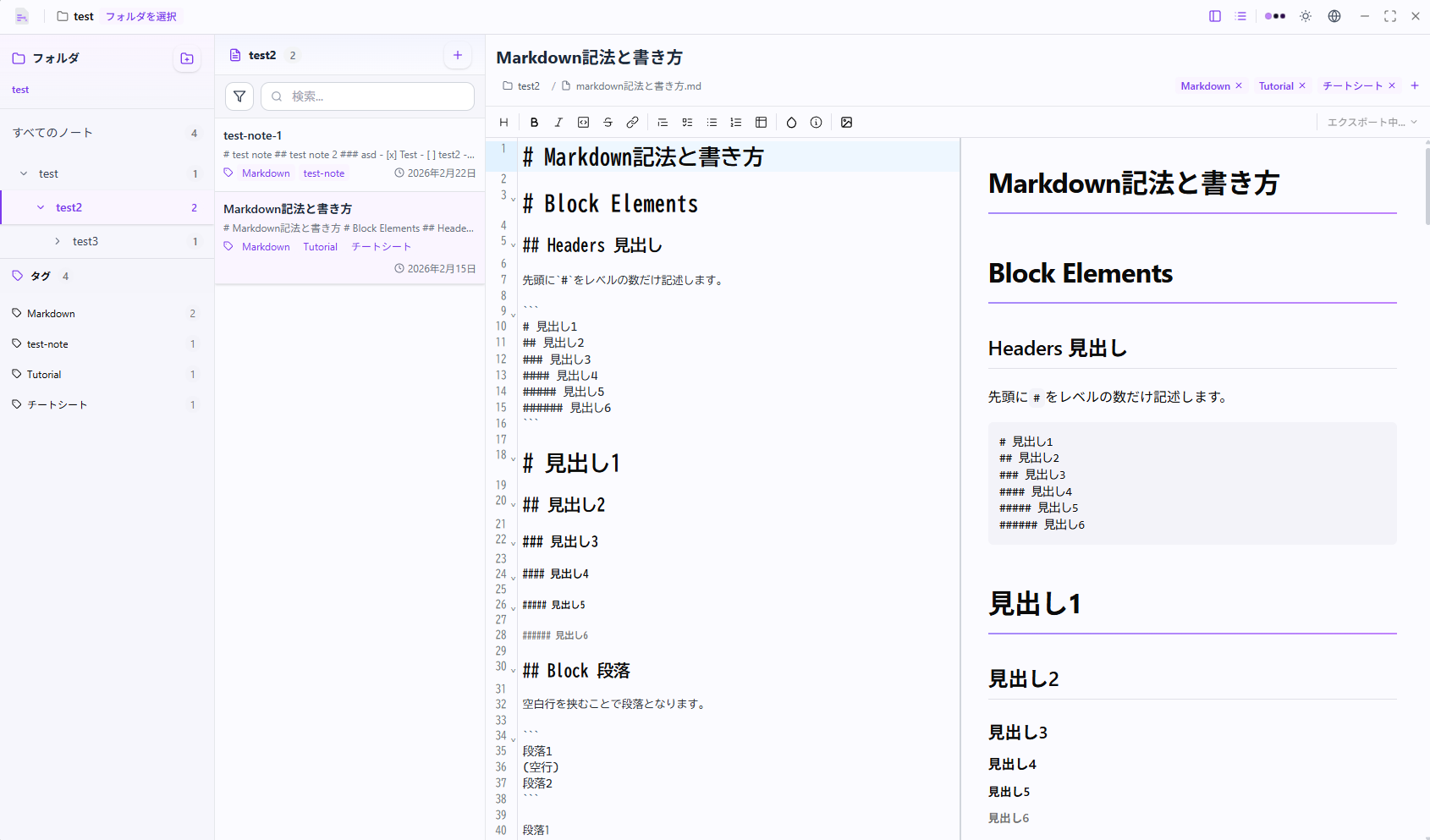
A lightweight Markdown note editor for your desktop. Keep your notes local, private, and under your control.
Everything you need to organize and edit your Markdown notes efficiently.
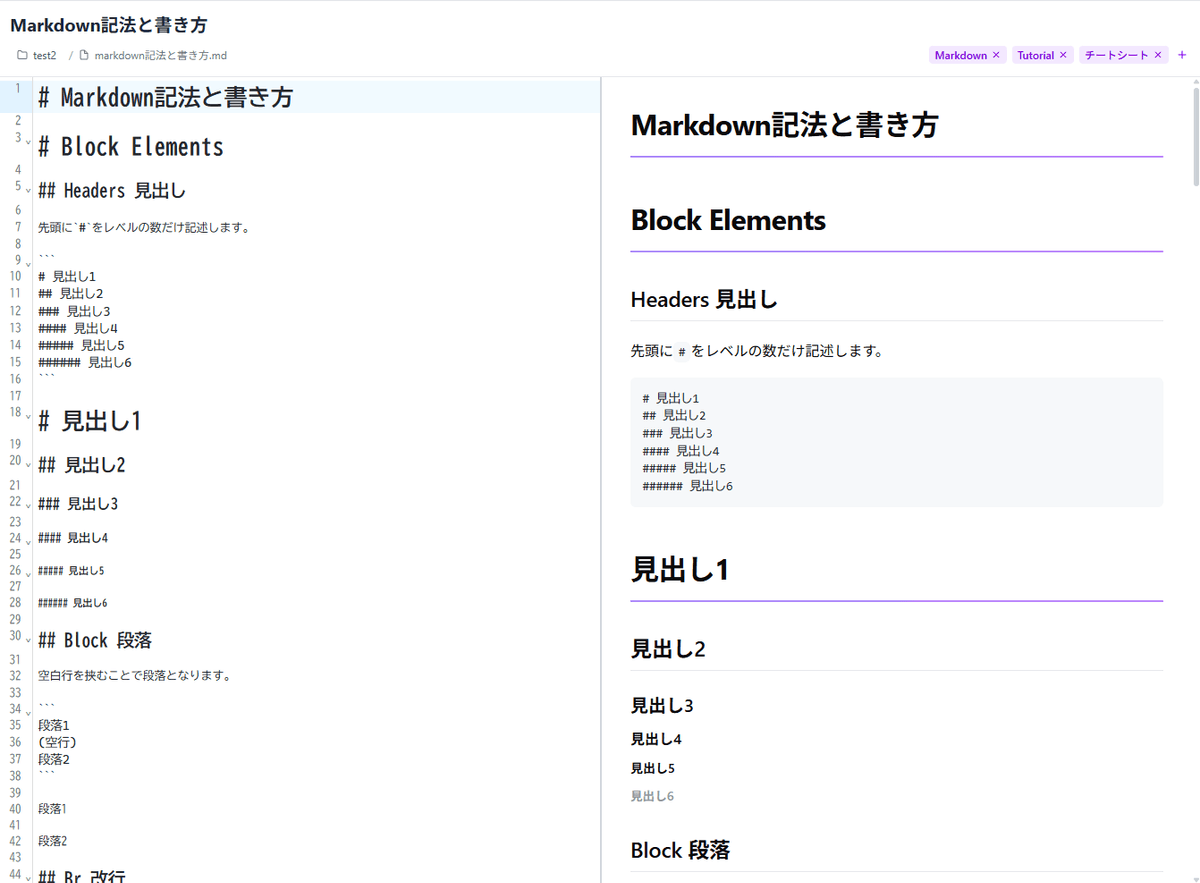
Real-time editing powered by CodeMirror. Choose from split view, preview, or editor-only mode for an efficient workflow.
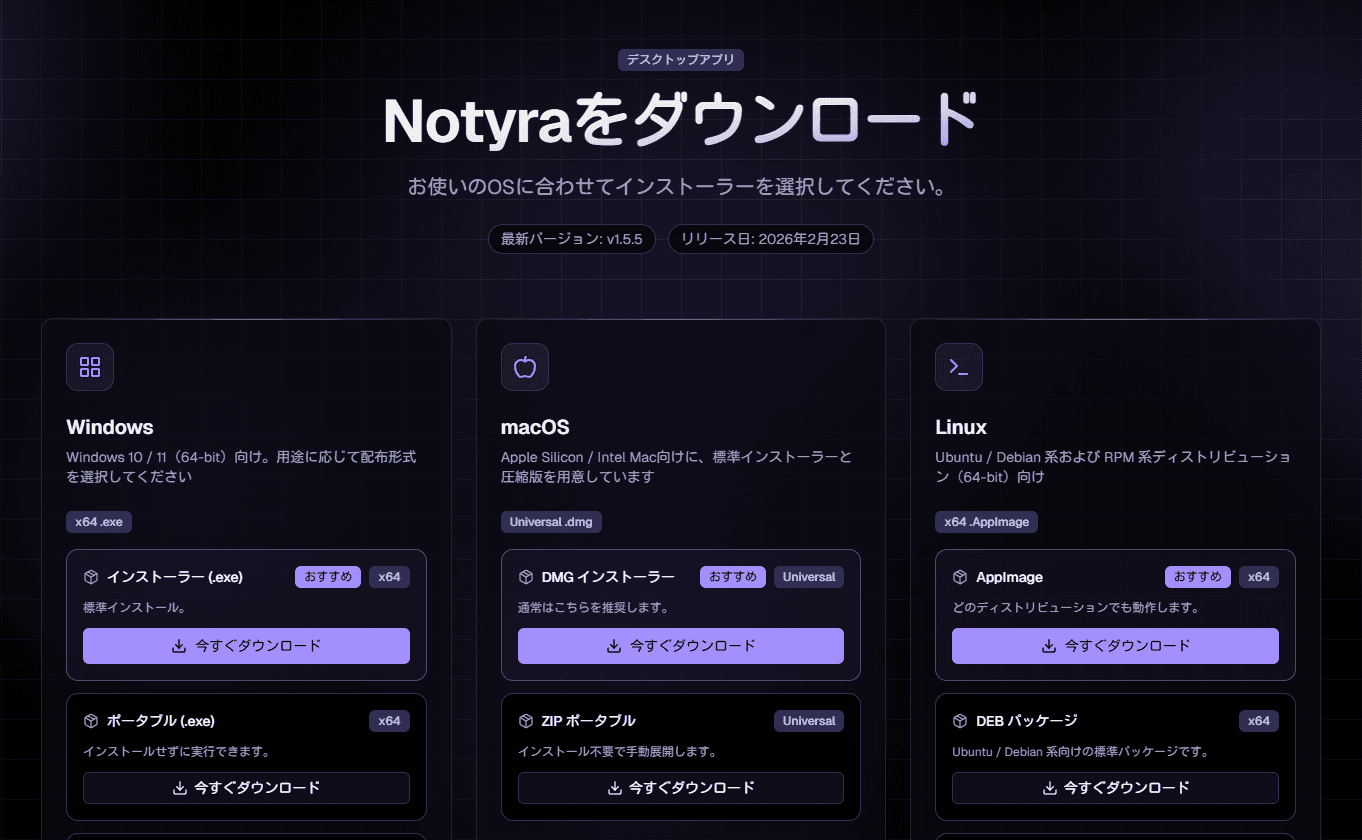
Get the latest version for your platform from the Download menu and install it.
Choose where your Markdown files are stored.
Begin organizing and editing your notes immediately.
Find answers to common questions about Notyra.
If you encounter bugs, have feature requests, or have questions, we would appreciate it if you could contact us by opening an issue in the GitHub repository.