 Notyra Docs
Change Theme
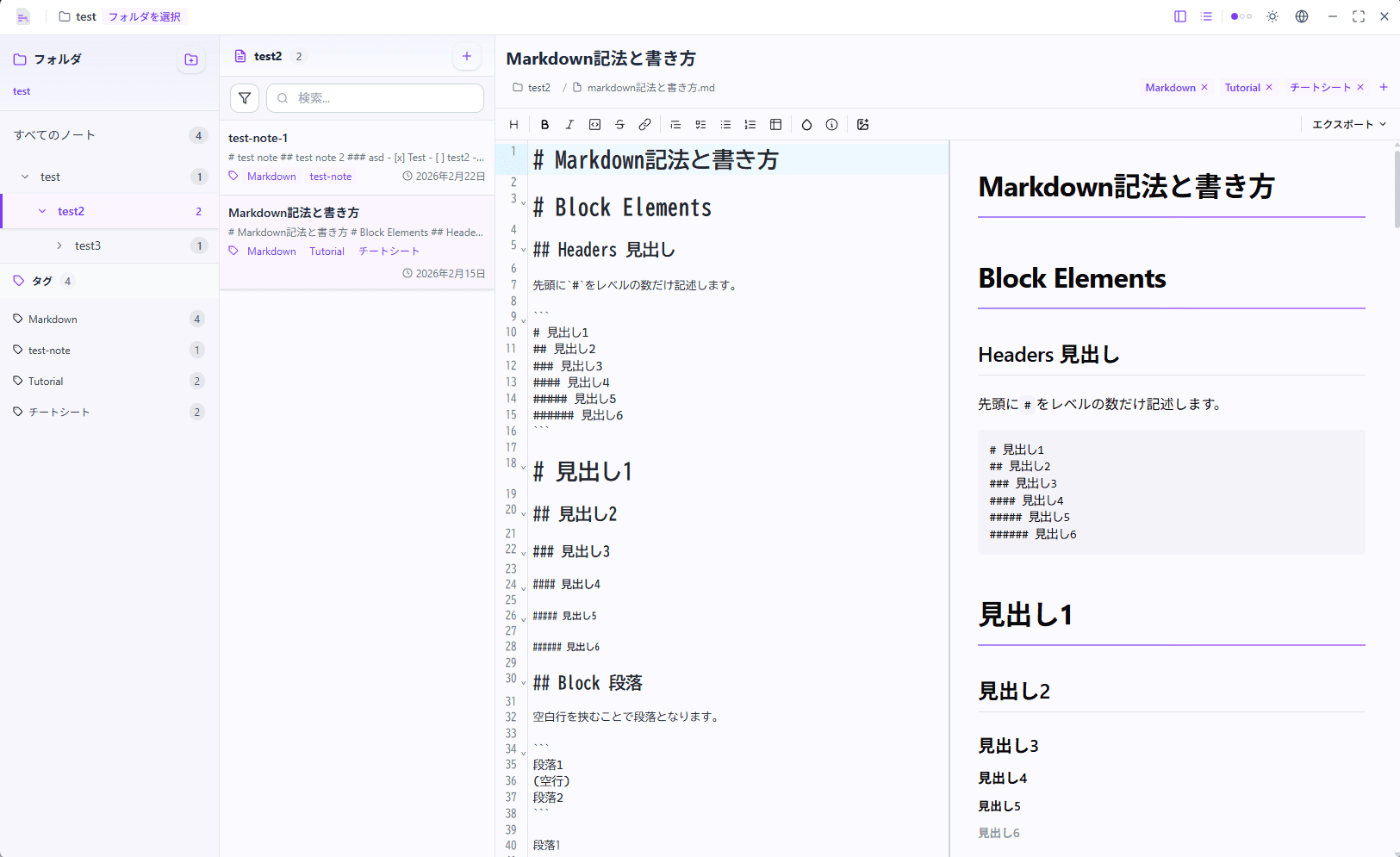
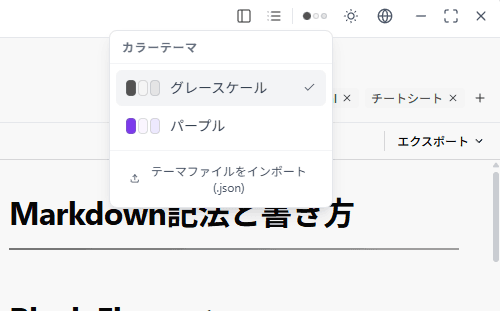
Notyra comes with two default themes, Dark Scale and Purple, allowing users to switch between them according to their preferences.
-
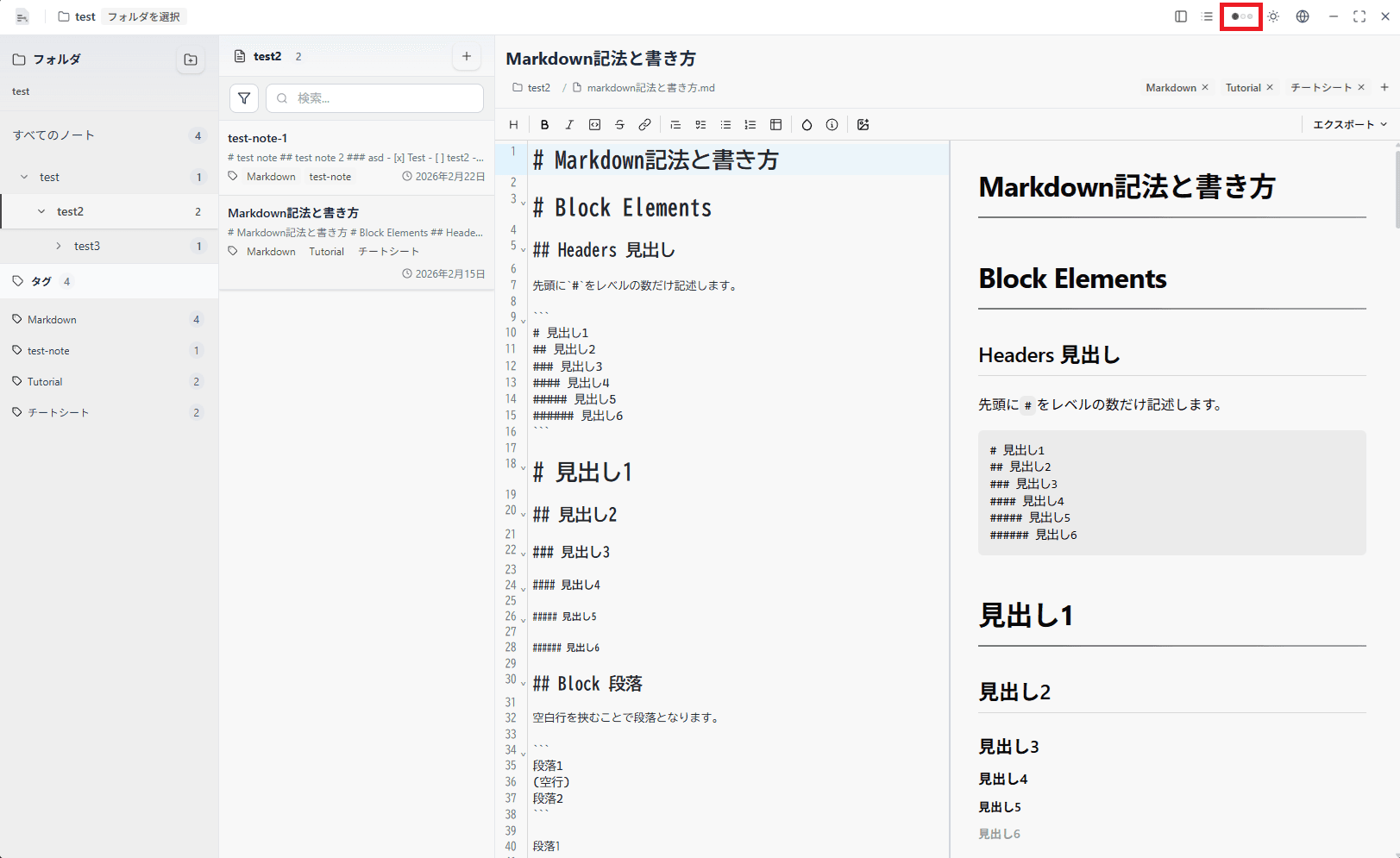
Click the "..." icon located at the top right of the Notyra window.
-
Select the desired theme from the dropdown menu.
-
The selected theme will be applied immediately, changing the appearance of Notyra.