 Notyra Docs
Usage
PDF & HTML Export
Notyra provides the ability to export notes in PDF and HTML formats.
Exporting as PDF
-
Open the note you want to export in the editor.
-
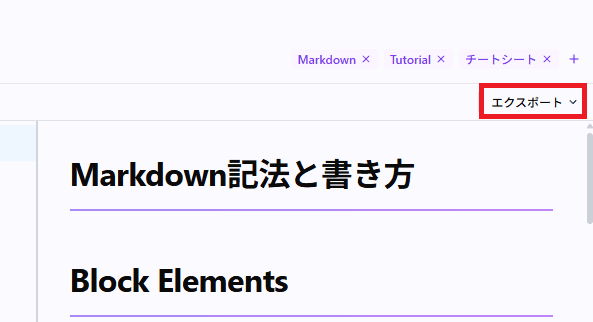
Click the "Export" button in the top right corner of the screen.
-
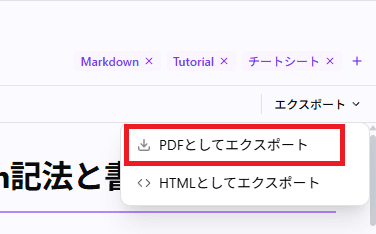
Select "Export as PDF" from the dropdown menu.
-
Choose the save location, enter a file name, and save the file.

Exporting as HTML
-
Open the note you want to export in the editor.
-
Click the "Export" button in the top right corner of the screen.
-
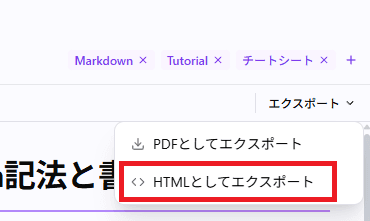
Select "Export as HTML" from the dropdown menu.
-
Choose the save location, enter a file name, and save the file.
